Technology / Product review / US model
Skylight Frame 2 Review
Touch controls, changeable trim and family photo sharing. Frame 2 is worth considering—but choose the exact offer before deciding whether you need Plus.
We may earn a commission if you buy through these links.
Check Skylight Frame 2 price on Amazon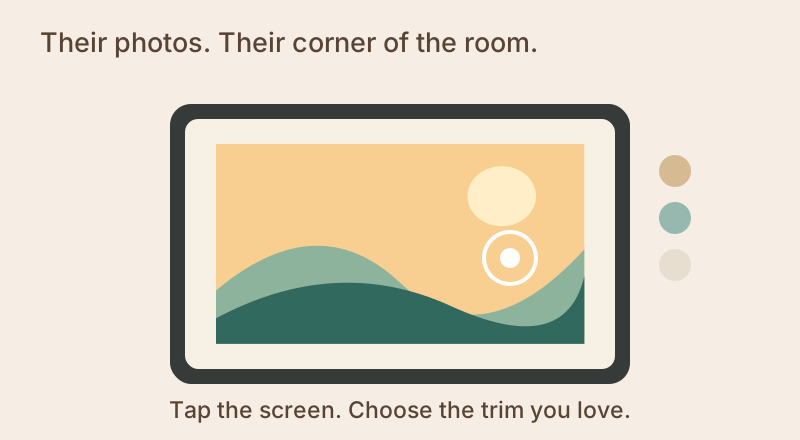
A lovely match if…
- The recipient likes seeing and touching controls on the screen.
- Changing the outer trim is part of the appeal.
Look elsewhere if…
- You want Plus management extras but no recurring payment.
- The person receiving it does not want a connected display to maintain.
A photo frame they can make their own
Frame 2 suits someone who would rather touch a photo than reach for an app just to interact with the display. The trim is another everyday choice: pick the finish that belongs in their room, rather than the one that happens to appear first in a search result.
What makes Frame 2 worth a look
Control the display where it sits
Browse and interact with the display right where it sits. For someone who likes controls they can see and touch, that is a compelling reason to choose Frame 2.
Match the outer look to the room
Swappable Snap Frames give you a way to change the trim. Confirm which trim is included and whether another costs extra; do not assume all available finishes come in the box.
Keep showing photos through an internet interruption
Already-added photos can keep playing through an internet interruption. Connect again to receive new pictures from family; the frame still needs its power cord.
Good to know
Decide which features you want before picking an offer. Touch controls and changeable trim are part of the appeal; albums, remote settings and cloud backup belong to optional Plus, with an ongoing charge.
The facts that affect your decision
| Display | 10-inch, 1920 × 1200 IPS touchscreen |
|---|---|
| Trim | Swappable Snap Frames; check included trim |
| Sharing | Skylight app or email |
| Storage | 16 GB listed by manufacturer |
| Offline | Previously added photos can display offline; new remote photos need internet |
| Power | Power cord and US adapter supplied |
Give it a good first week
Choose who will connect it, send the first pictures and answer a question later. Preloading the gift is a lovely start, but the best feature is having someone keep the photos coming. If Wi-Fi drops briefly, already-added photos can keep displaying; a power cut is different.
Before it reaches their shelf
Check WiFi, a suitable outlet and who will help the recipient connect the frame. Decide who will send new photos through the app or email. Gift Mode can preload content without opening the box; use the current manufacturer instructions and keep original files backed up separately.
The Plus decision: sharing photos or helping from afar?
If your job is sending new family photos, start with the base offer. If your job is also changing settings for someone living elsewhere, remote controls may be the extra you value. Name that job before choosing a subscription; “more features” alone is not a reason to keep paying.
Does Frame 2 need Plus?
The exact manufacturer offer without Plus lists photos, videos and captions as included. The separate Plus offer adds albums, remote settings and cloud backup, with one introductory month followed by $39/year at the checked rate. Three annual charges would total $117 before any future price changes; hardware is separate.
Skylight’s current Frame 2 base offer includes photos, videos and captions. The Plus offer adds the management extras. Match those features to the Amazon bundle you choose; older generic support pages describe different packages.
Quick answers
Do I have to buy Plus?
Not for the cited Frame 2 base offer. Check the exact retailer bundle and the included features if videos or captions determine your purchase.
Will new pictures arrive without WiFi?
No. Previously added photos can remain viewable offline; new remotely sent content needs an internet connection.
Is Skylight Frame 2 right for your family?
Choose Frame 2 for touch controls and trim flexibility if those matter to your recipient. If the draw is simply a matted display with included storage and no subscription decision, Carver Mat is also worth comparing.
If it fits your needs, check the exact model and current price on Amazon.