technology
Twelve South Curve: a desk-fit buying checklist
A graceful matte-black stand can give your laptop a dedicated place on the desk. Explore the classic Twelve South Curve, with room for a separate keyboard, mouse and a setup that feels like your own.
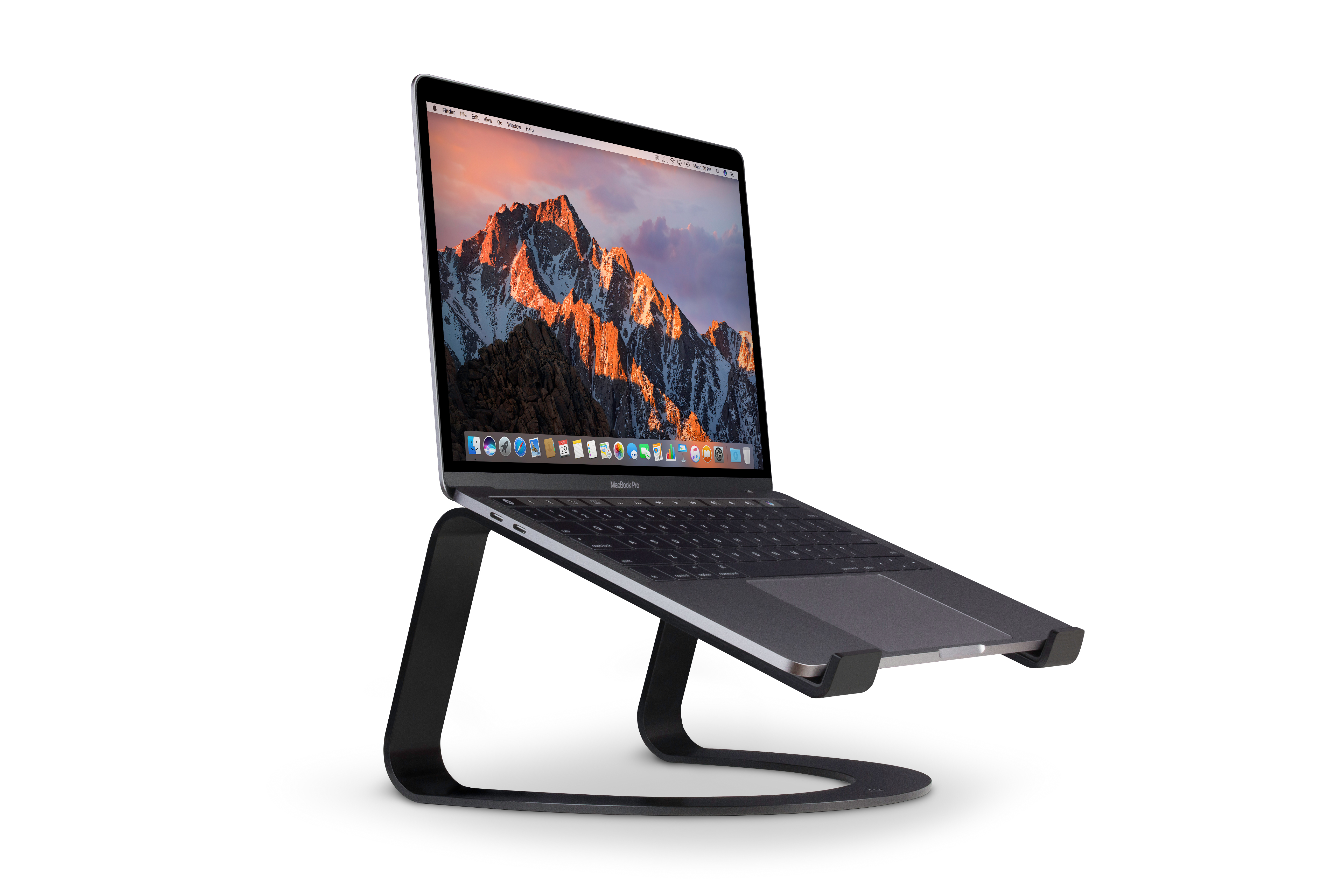

Start with the right model
This checklist covers the classic Twelve South Curve in matte black, model 12-1708, listed on Amazon US under ASIN B07377XVNY. Keep that model number in view when comparing listings: a similar product name is not enough to identify the same stand.
The classic Curve comes in matte black. The laptop shown helps picture the desk setup; the stand is sold separately from the laptop and accessories.
A stand for a planned desktop setup
The manufacturer's model comparison describes classic Curve as a stand formed from a single aluminum ribbon. Treat that simple design as a different proposition from the articulated Curve Flex, rather than assuming every product in the Curve family has the same adjustment features.
The brand's Amazon listing shows Curve used with a separate full-size keyboard and mouse. That is the desk arrangement to consider here: space for the stand, your input devices and the cables you actually use, rather than judging the stand in isolation.
Check where your screen will land
Curve gives the laptop a six-inch (15 cm) lift. Picture it alongside your chair, keyboard and any second screen, then check where the display will sit in your own workspace.
Twelve South also presents Curve as part of a setup with an external display. If that is your goal, check how the two screens will line up and whether the necessary laptop cables reach; the stand does not settle those layout decisions for you.
Need adjustment or a stand that packs flat?
Twelve South explicitly identifies height and angle adjustment, plus folding for travel, as Curve Flex features. If those are your requirements, compare that separate model or another adjustable stand before choosing classic Curve.
Related guides and resources
A desk setup worth making room for
Choose classic Curve for a dedicated raised-laptop setup with a separate keyboard and mouse. Measure your space and check support for your laptop; if you want a folding stand with height and angle adjustment, compare Curve Flex. Laptop and accessories are not included.
Sources
- Curve product details — matte black — Twelve South, retrieved
- Which Curve model fits your workspace? — Twelve South, retrieved
- Exact Amazon US product identification — B07377XVNY — Amazon US / Twelve South product listing, retrieved
Last verified:
Try the whole setup before buying
Make a paper template using the exact stand’s listed footprint. Put your real keyboard and mouse where you would use them, then add the cable route. Try reaching for what you use most. A stand that fits the desk should leave room for the rest of your day, too.
Check the front-to-back layout with our desk-space calculator ↗
If you need height adjustment or a stand that folds for a bag, keep that requirement on your shortlist. Classic Curve and Curve Flex are different designs; the paper exercise does not change those features.