Software / Product review
Microsoft 365 Personal Review: your everyday work, brought together
Your documents, spreadsheets and files, ready for the way you work. See when a one-person Office subscription earns its place.
By Things Space · Updated October 25, 2026
See the retailer for the current price, options and delivery.
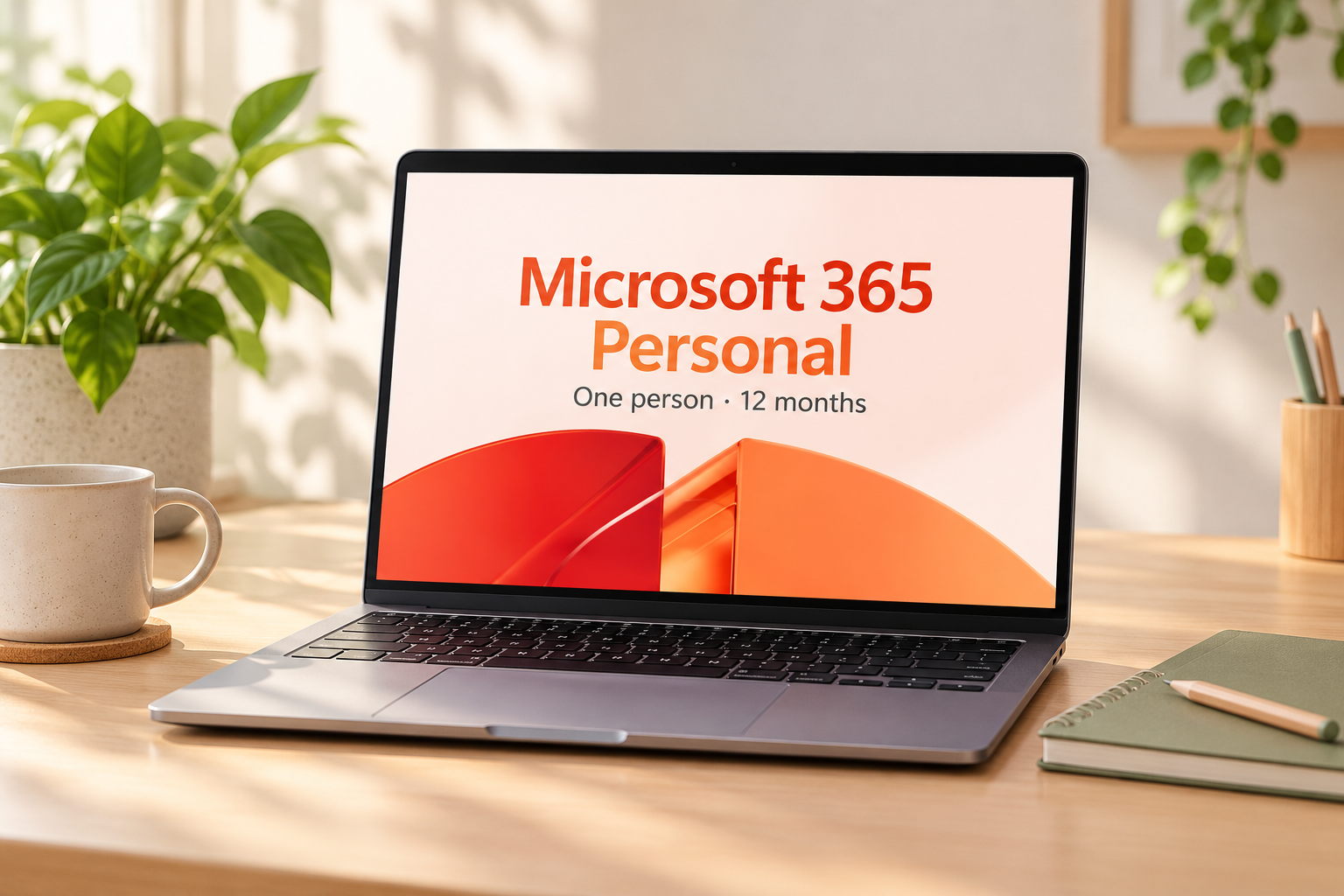
Bring your everyday work together
Documents on the laptop, files to reach from another device: Personal brings desktop productivity apps and storage together for one person. That combination is especially appealing when your work moves with you, rather than staying on one screen.
Personal is not the same decision as Family
Start by counting people, not devices. Two people wanting separate accounts should compare a multi-person plan rather than assume Personal is a shared household license. Also check whether work or school already provides suitable access. Access attached to an employer can end, so separate personal files and understand its rules.
Check the subscription before redeeming
Confirm the seller, country, exact plan, duration, redemption eligibility and renewal terms in the offer. The listing we found requires activation; its title alone does not establish the renewal price or whether it can extend your current plan. Do not redeem into the wrong Microsoft account. Record the renewal date and review recurring billing in the provider account.
When a different route makes more sense
Compare Microsoft's browser-based apps for light tasks, or Office 2024 if a one-time purchase better matches your needs. Those choices have different capabilities and upgrade terms; they are not identical substitutes. Check current system requirements before paying.
Try a week of your own work on paper
Before paying for another subscription, write down three things you actually do: perhaps edit a document away from Wi-Fi, keep a household spreadsheet, and send a presentation someone else must edit. Put your existing access beside each task. The missing job—not the number of apps in a bundle—is the reason to upgrade.
| Your situation | What to compare first | The useful check |
|---|---|---|
| One person needs installed apps | Personal against your existing access | Will it cover the offline jobs and devices you listed? |
| More than one person needs an account | A multi-person plan | Compare the total for everyone, not just the first account. |
| A few light documents in a browser | Microsoft’s web apps | Try a real document before deciding you need the installed version. |
| You prefer one purchase over renewals | Office 2024 | Compare the exact included apps, device terms and storage separately. |
Put renewal in the comparison
If a first year hypothetically costs 60 and the next two years cost 100 each, three years cost 260—not 180. Use the actual seller and renewal terms in your own calculation; these example figures are not an offer. A cheap code is only useful if it redeems into the right account and plan.
Before you buy
- Write down the apps you need offline and the devices you use.
- Check existing work, school or family access before buying another license.
- Match the exact offer to one person, your country and your account.
- Read activation, cancellation and renewal details before redeeming.
The bottom line
Choose Personal when installed apps fill a real gap for one person. If your existing access already handles the work, keep the money for something you will notice more. Match the exact plan and renewal terms before redeeming.
Check Microsoft 365 Personal on AmazonProduct details
Product reference: Microsoft 365 Personal source. AI-styled illustration.